Adding And Removing Equipment From Shop
It is important that the equipment be in good shape when it goes out to a customer. From time to time things will break. We have to always be looking for wear and tear or other signs that our equipment is in need of repair. It is also important to flag broken or down equipment in the system as such so that it isn’t mistakenly sent out to a customer.
There is a special menu for all things related to repair and maintenance of equipment. From the Main Menu press the A - Service Department Menu button. This will give you all of the service options.
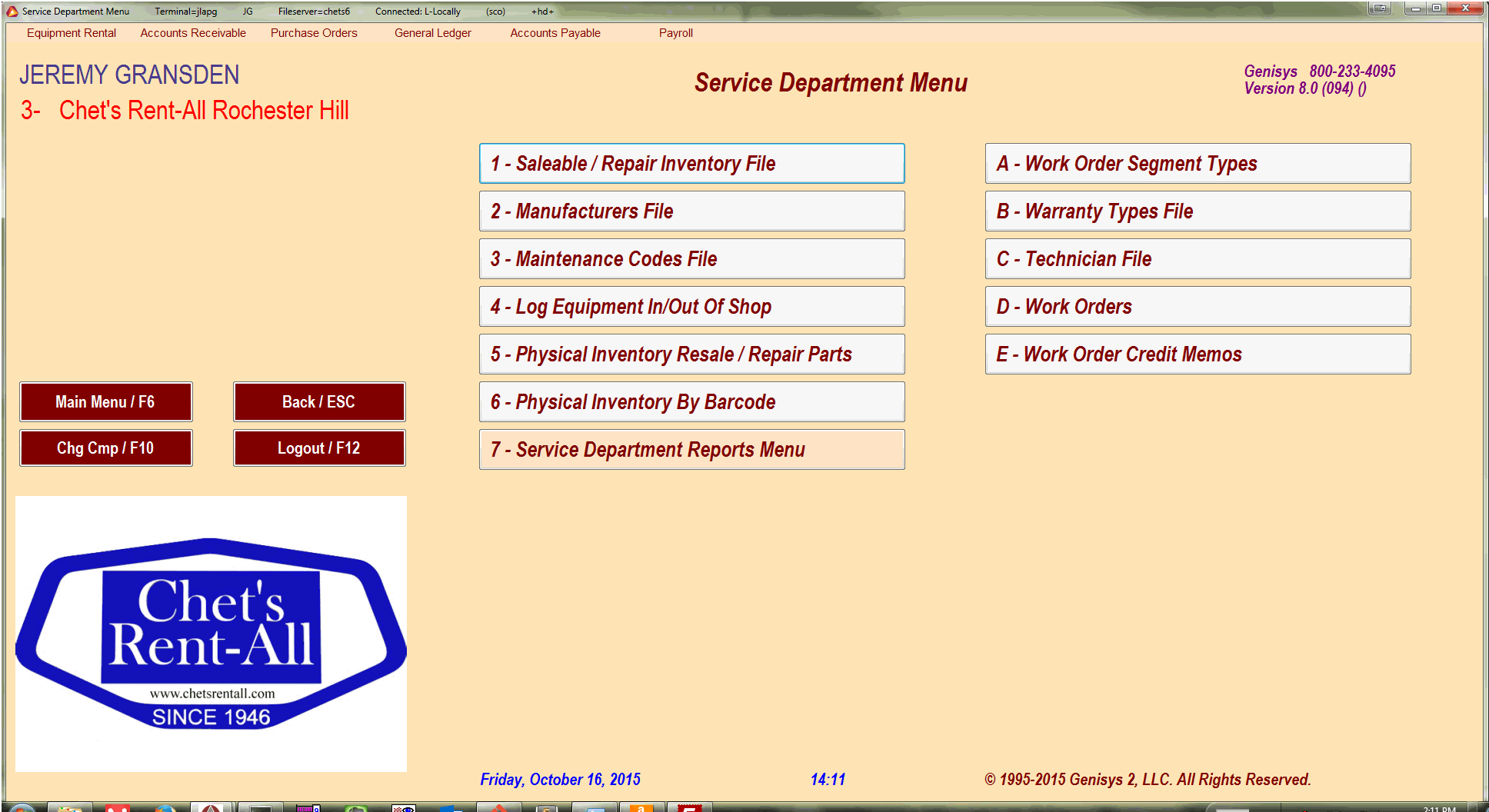
To add an item to shop press the 4 - Log Equipment In/Out Of Shop button. This will give you a screen listing what you currently have in shop as well as some buttons at the bottom.
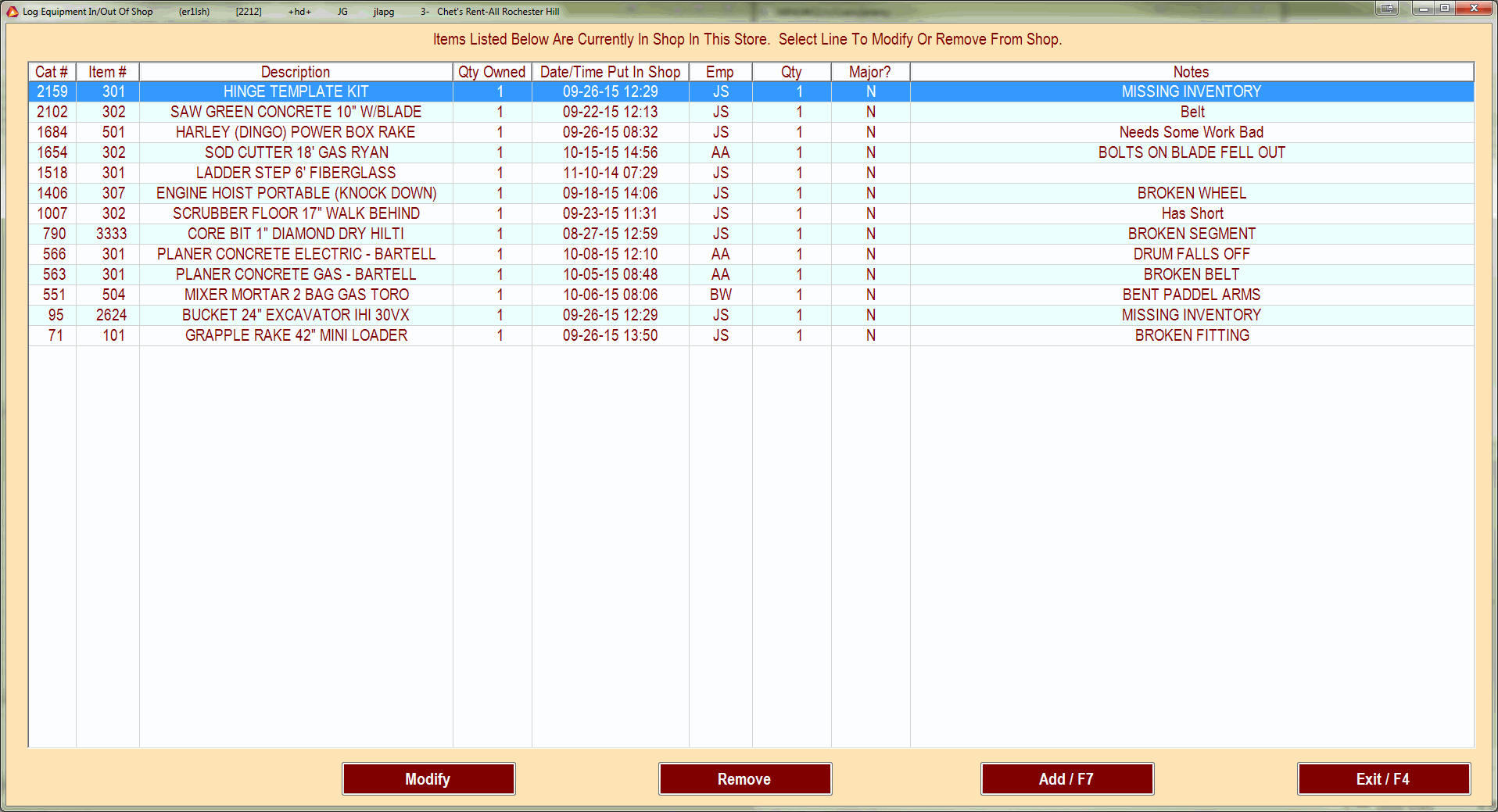
Press the Add / F7 button. This will give you the standard search window that you see in the order processing. If you know the cat/itm number, put that in or you can search by description.
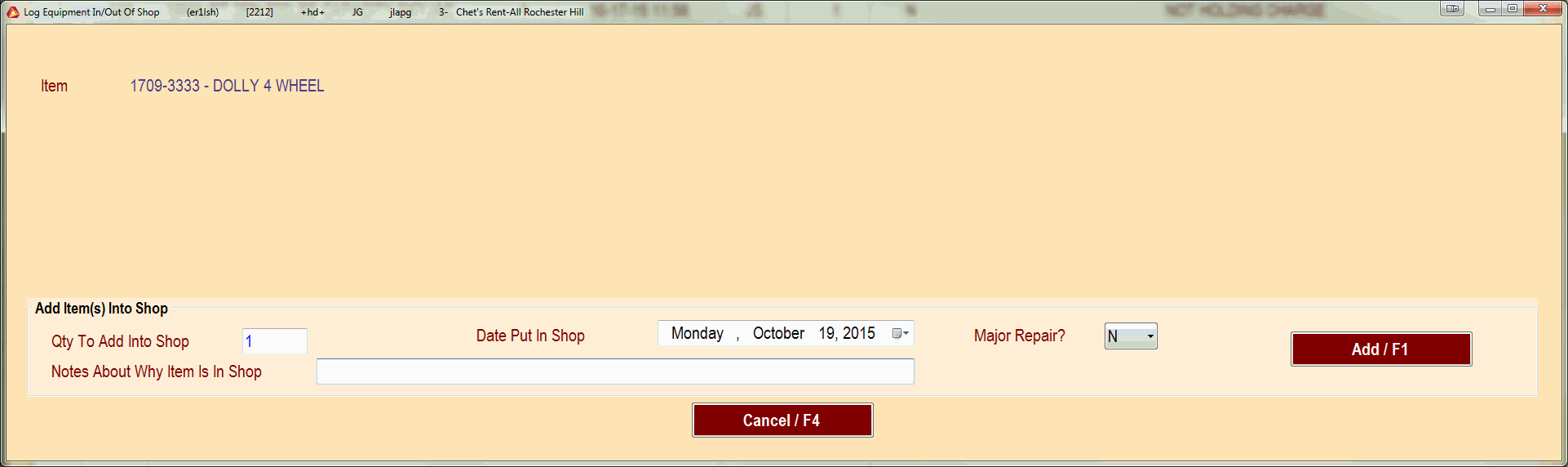
Make sure that you add notes to the In Shop commit. It makes it easier to evaluate and help others to work on those items in the future.