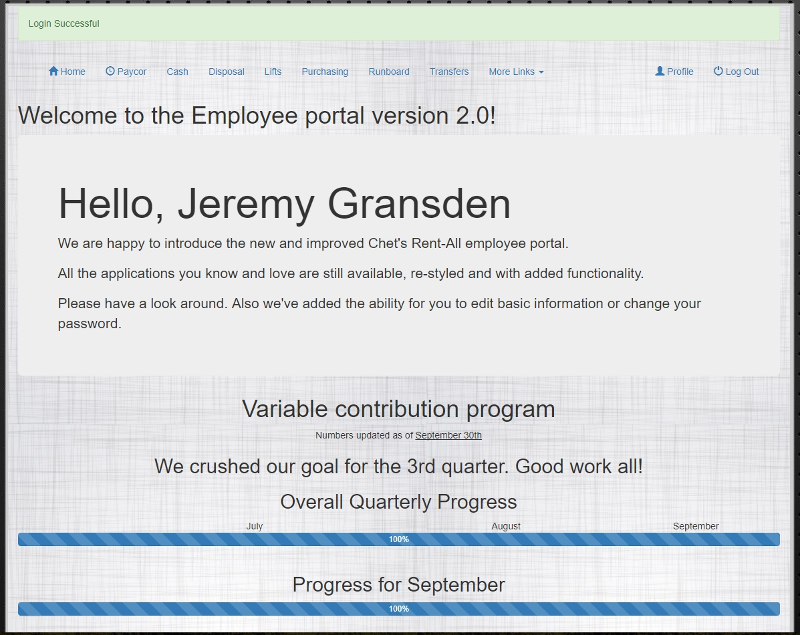
Employee Portal
The Employee Portal offers a single portal into all of the apps that we use on a daily basis.
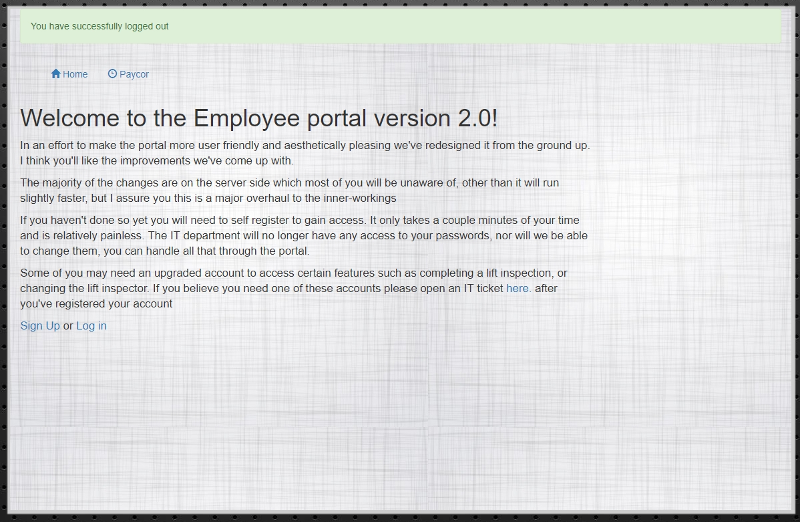
You must log in to use the portal. You will need a Chet’s Rent All email address and access to it to create verify your password. If you do not have one, contact your manager so that one can be created for you.
If you do not have a login, click the Sign Up link.
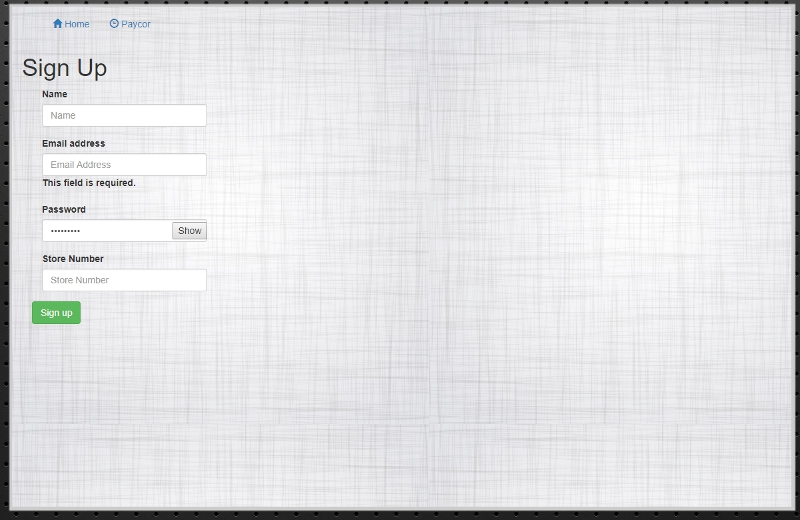
All fields are Requiered. Once you click the submit button the system will add you to the app and send you a confirmation email. You will not have access to the portal until you click the link in the email. The emails take a few minutes so please be patient.
After you have confirmed your account or if you already have a confirmed accont you can click the Log In link.
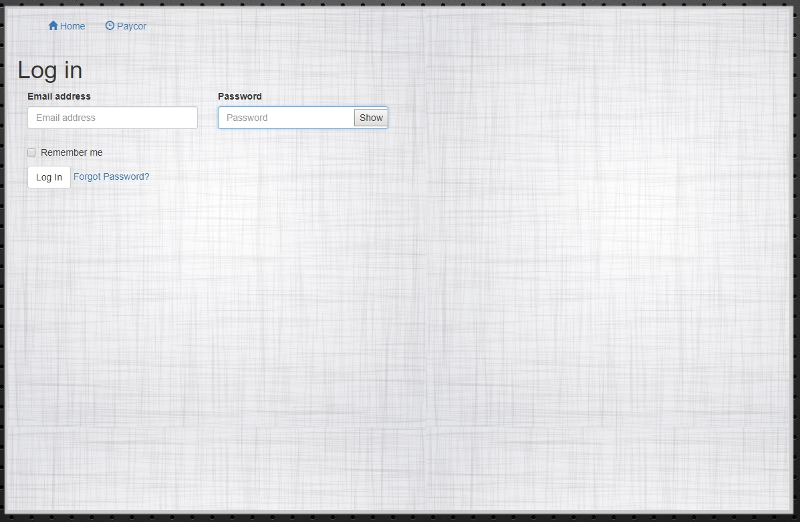
There is a link to reset your password to the portal as well.
The main page of the portal will list the links to the Apps as well as our progress towards our Quarterly Bonus.