Manal Operations
Beginning of the day
Count the cash drawer.
Be sure to record your counts.
Manual Contracts
Fill out the manual contract. Make sure that the manual contract has a contract number in the lower left hand corner.
Make a color copy of the drivers license.
Make a copy of the customers vehicle registration.
Itemize the contract with cost.
Subtotal the contract.
Figure out the damage waiver, 13%, cross out the reference to 6% on the contract.
Charge sales tax on the subtotal plus damage waiver.
Put the grand total on the contract.
Put the deposit amount on the contract.
Be sure to give the customer a business card with our phone number on it.
Paytrace Requirements
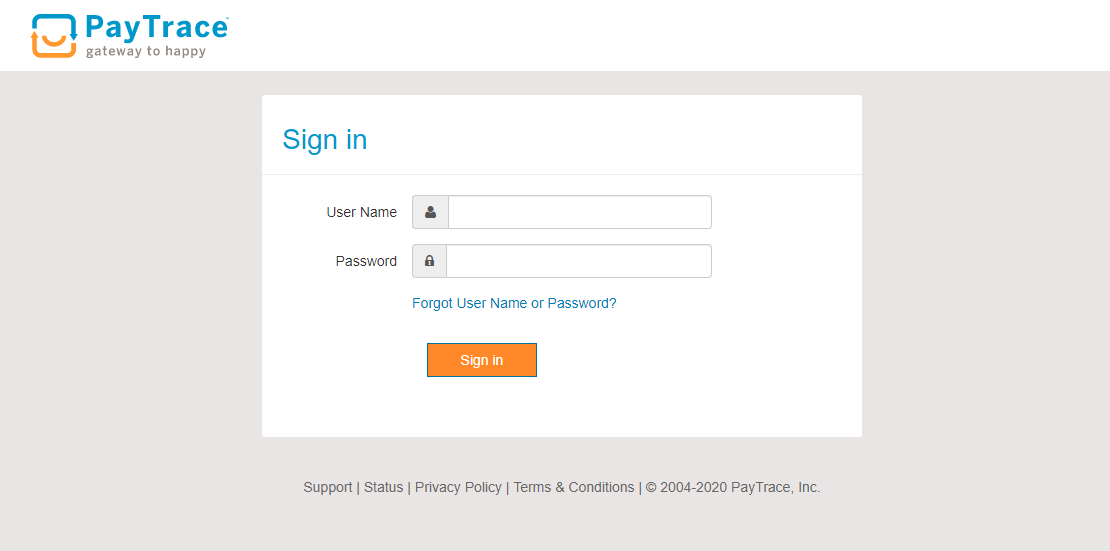
You can process payments, deposits and refunds on the Paytrace website. http://www.paytrace.com/login.pay
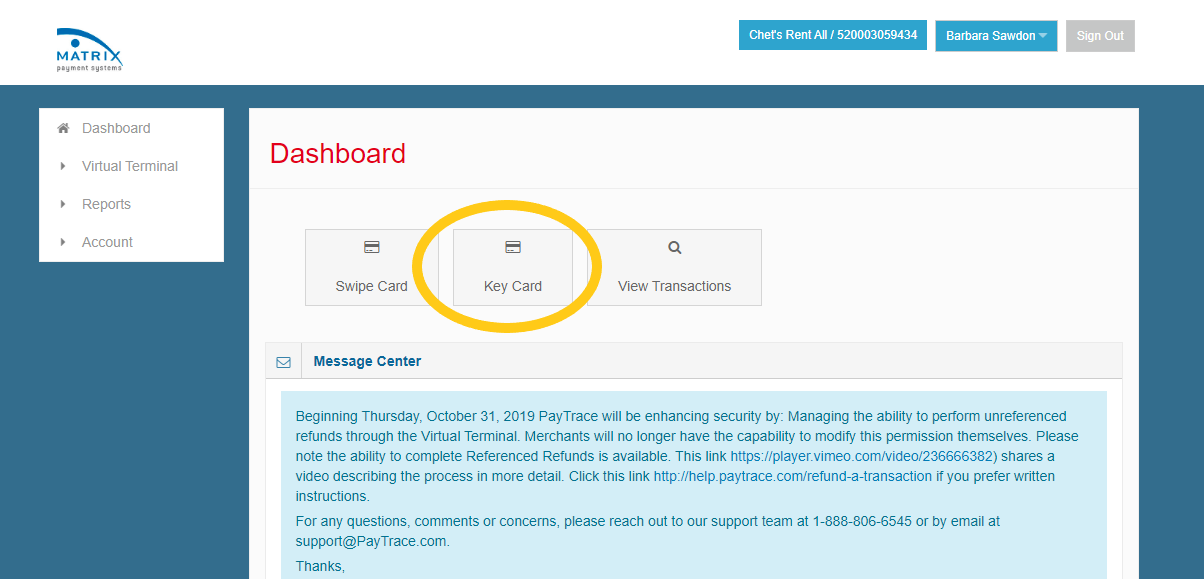
Click on Key Card
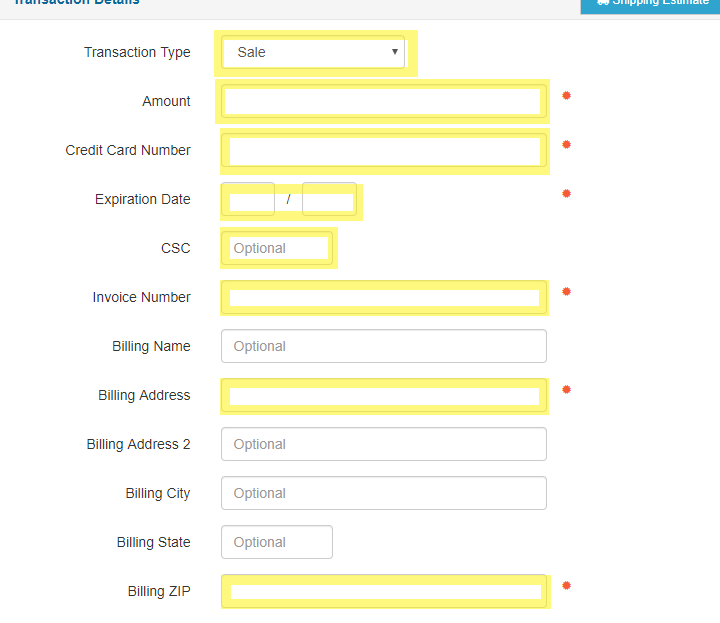
Transaction type is Sale
- The following fields are mandatory:
Amount
Credit Card Number
Expiration Date
CSC
Invoice number ( this is off of the manual contract )
Billing address
Billing zip code
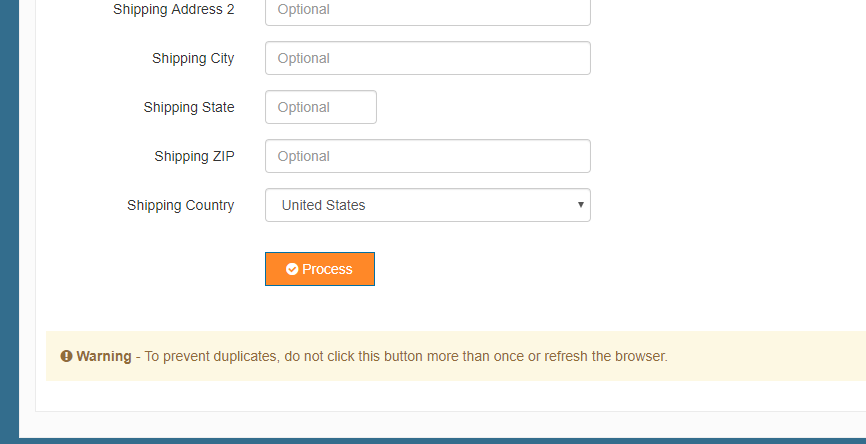
Click Process
Warning
To prevent duplicates, do not click this button more than once or refresh the browser.
Refunds in paytrace
This process hasn’t been completed yet. Please contact the office for assistance.
End Of The Day
Total up the number of contracts written.
Total up the amount of revenue on the closed contracts.
Count the cash drawer. Deposit anything over the beginning balance to the bank.
Log into Paytrace to get the batch total for the day
Email these totals to the office at the end of the night office@chetsrentall.com